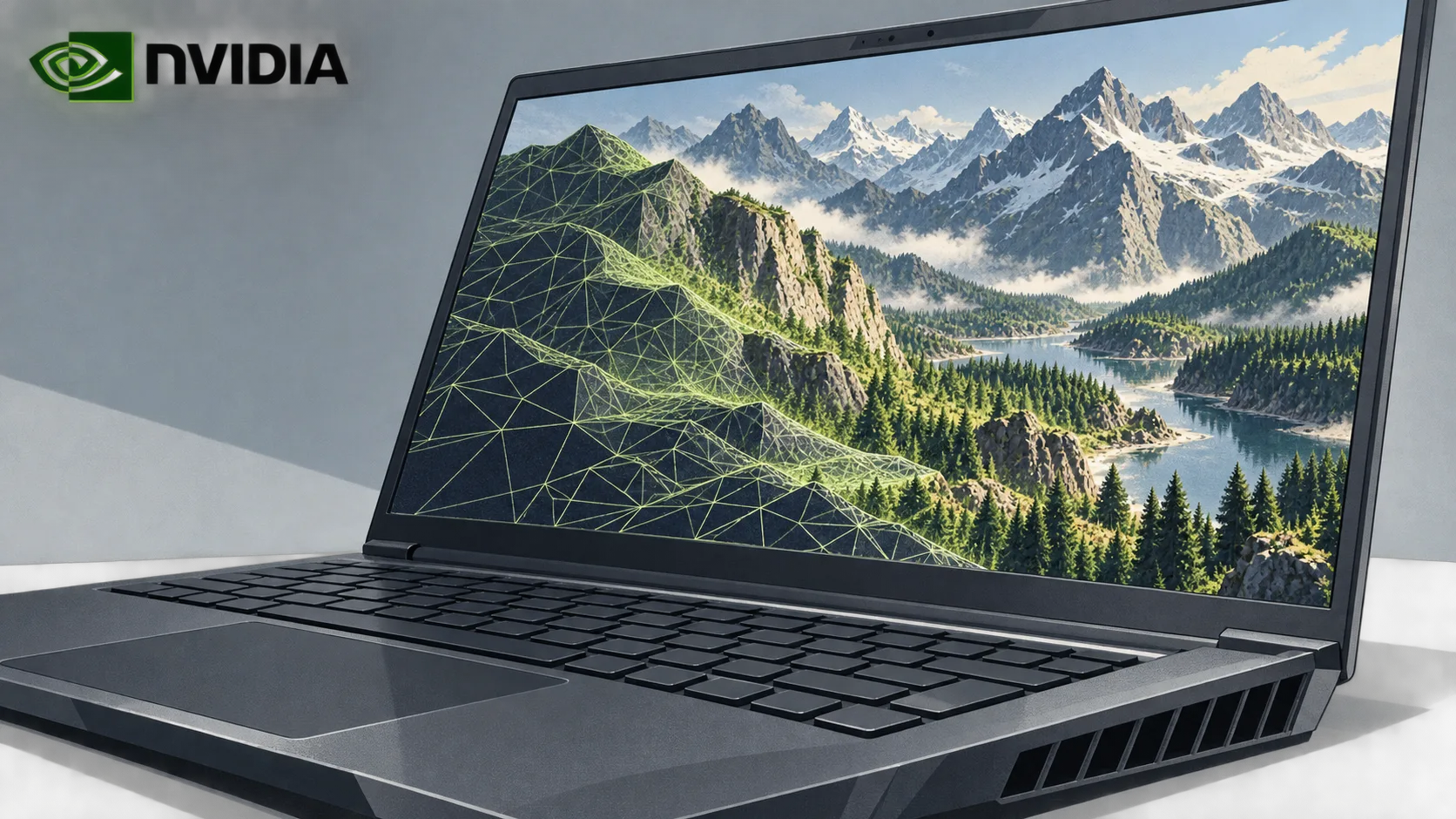

Adobe has rebuilt Photoshop, Premiere and Substance 3D to run faster on computers with NVIDIA's RTX Spark chip. Company vice president Deepa Subramaniam said the apps were “rearchitected” to “take full advantage” of the platform.
RTX Spark is a new NVIDIA system-on-chip designed to let Windows laptops and small desktops run AI tasks locally. NVIDIA's DGX Spark mainly targets companies and AI developers. RTX Spark is aimed at creatives and novice developers.
Subramaniam said performance matters to the photographers, designers, filmmakers, editors and artists who use Adobe's apps. Faster workflows, she said, help them stay focused on their work.
Optimized apps run twice as fast
According to Subramaniam, the optimized apps are two times faster at AI tasks and editing across workflows. Adobe says Photoshop will respond more quickly and render complex workflows faster on RTX Spark computers.

Adobe also says Premiere will gain speed when rendering, applying effects, using AI-powered editing tools and color-grading audio and video. Substance 3D Painter will speed up demanding texturing work, along with opening and saving large projects and exporting textures.
In Photoshop, users will be able to see changes in real time when applying effects such as Light Leaks or removing elements from images with the Remove tool.