
Open WebUI has added a way for people to reply in the same shared chat. Its release notes also describe model controls that let permitted users choose between settings prepared by a model editor.
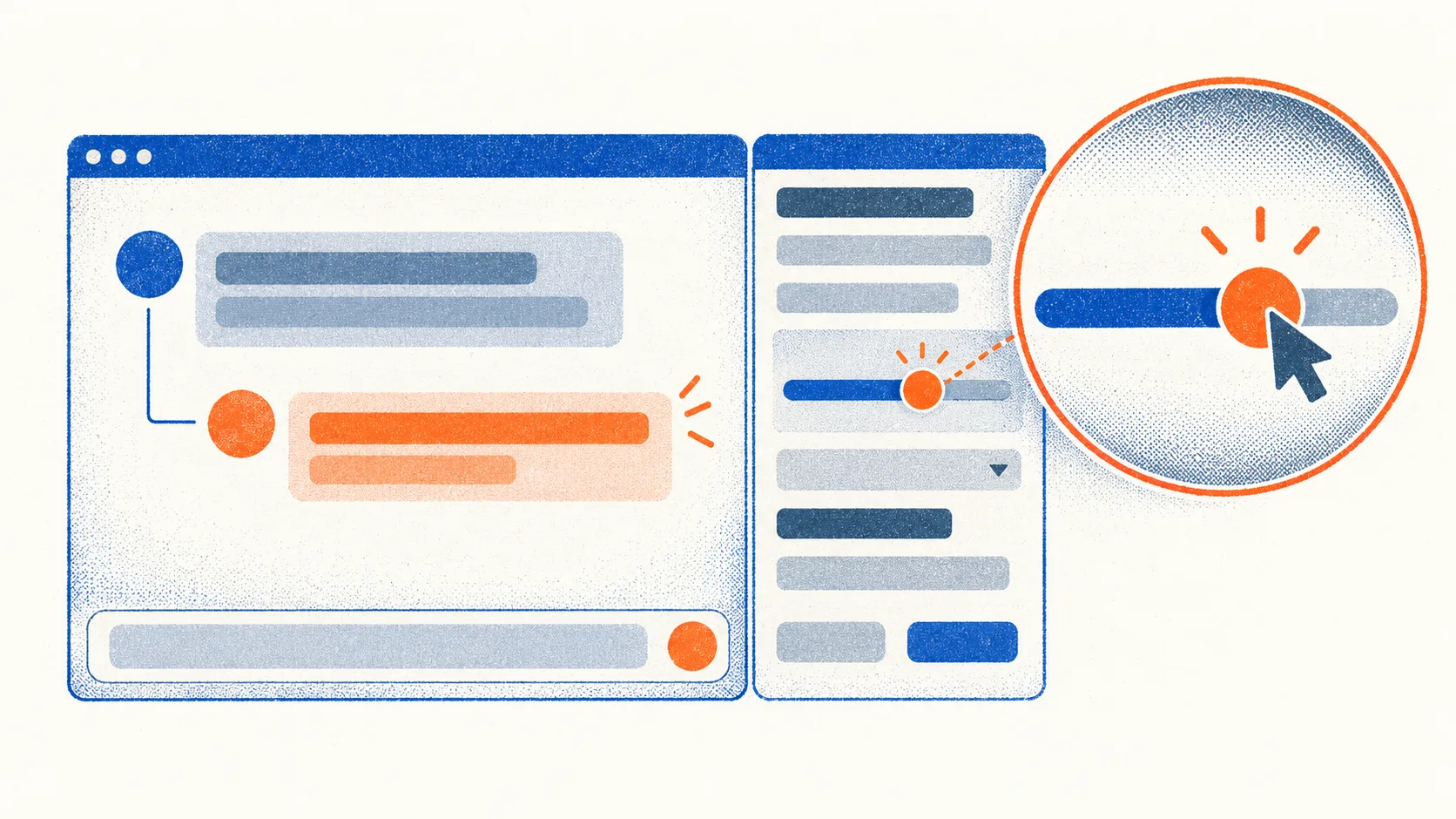
A chat or folder owner can change its Sharing mode from Clone only to Allow replies. People it is shared with can then continue the conversation together. Replies appear live for everyone with the chat open, and a typing indicator shows who is writing. Each person can edit, rate, regenerate or stop only their own messages.
Model editors can create named controls
Anyone who can edit a model can create named controls with options and a default choice. The release notes give reasoning effort as an example, with Low, Medium and High options. People who have both the Allow Chat Controls and Allow Chat Params permissions can choose an option beside the model selector. Open WebUI remembers their choice for that model. Controls do not apply to automation runs or to pipe, direct connection and arena models.
Workspace skills can now contain supporting files, including scripts and templates. The skill editor shows those files in a tree and keeps a version on every save. Users can compare versions and restore an earlier one. Skills can also be imported from a ZIP folder, a JSON file or a single SKILL.md file, with a preview before import.
Administrators can enable experimental tool search
For installations with many tools, administrators can enable an experimental Tool Search setting. According to the release notes, it initially sends the model short tool descriptions and lets the model look up full definitions when needed. The setting works with native function calling and is available in Admin Settings under Interface.