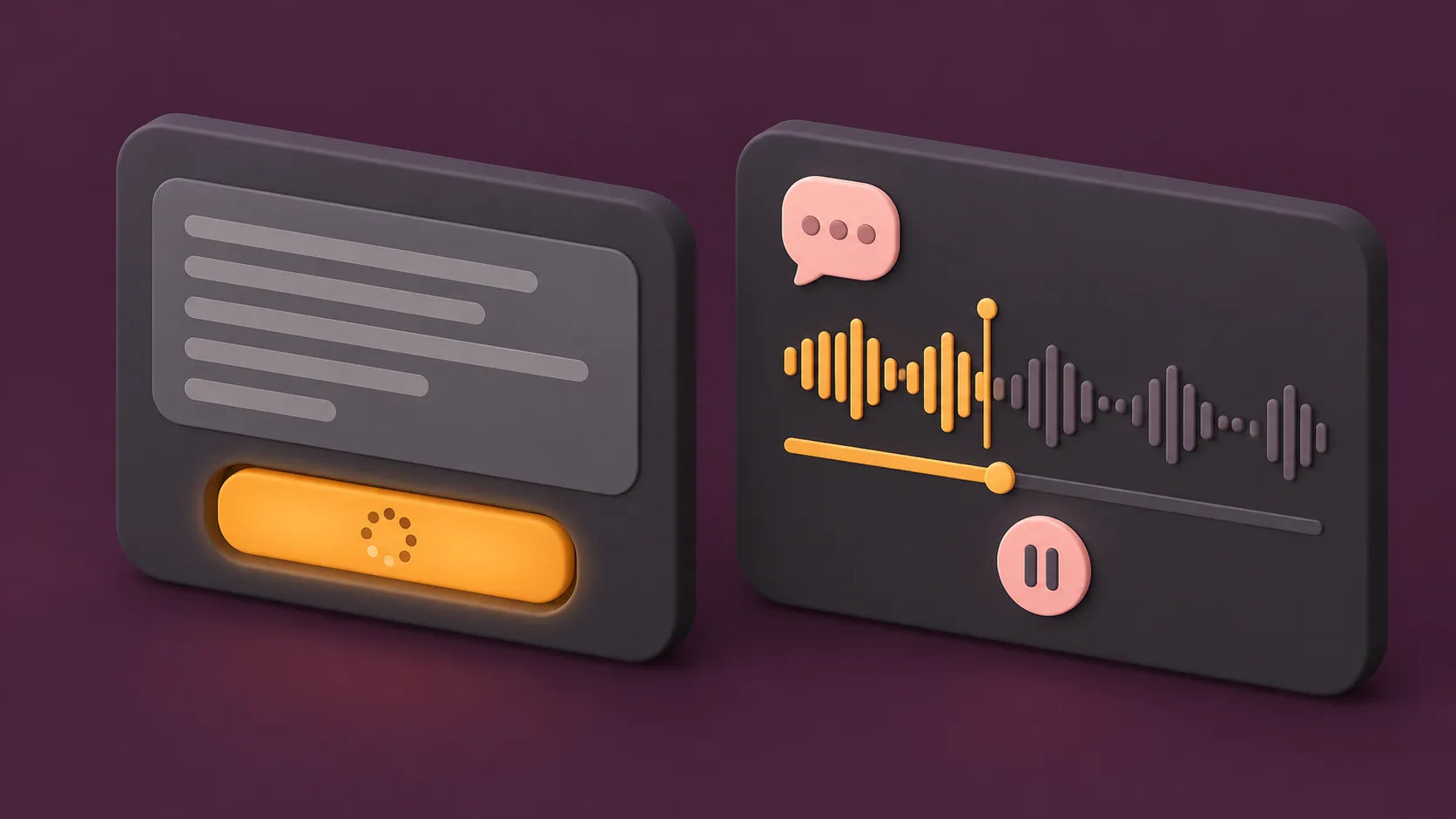

Suno is moving beyond artificial intelligence music. The company just launched a new feature that generates spoken voices from scripts or prompted descriptions.
Speech is now available in public beta. Users can access it across Suno web and mobile platforms. The tool lets creators generate voiceovers and background music simultaneously.
Suno expands into audio speech
Jack Brody is the chief product officer at Suno. He explained the company vision in an official announcement. Music remains at the center of the platform. However, the company always planned to embrace other forms of human expression. Brody called Speech the first audio model that builds voice and music together as one cohesive track.
Artificial intelligence speech tools already exist across the tech industry. DeepMind tested deep learning speech synthesis for ten years. Adobe offers a text-to-speech tool. ElevenLabs emerged as a prominent platform for voice generation since its 2003 launch. Suno is now entering this competitive market.
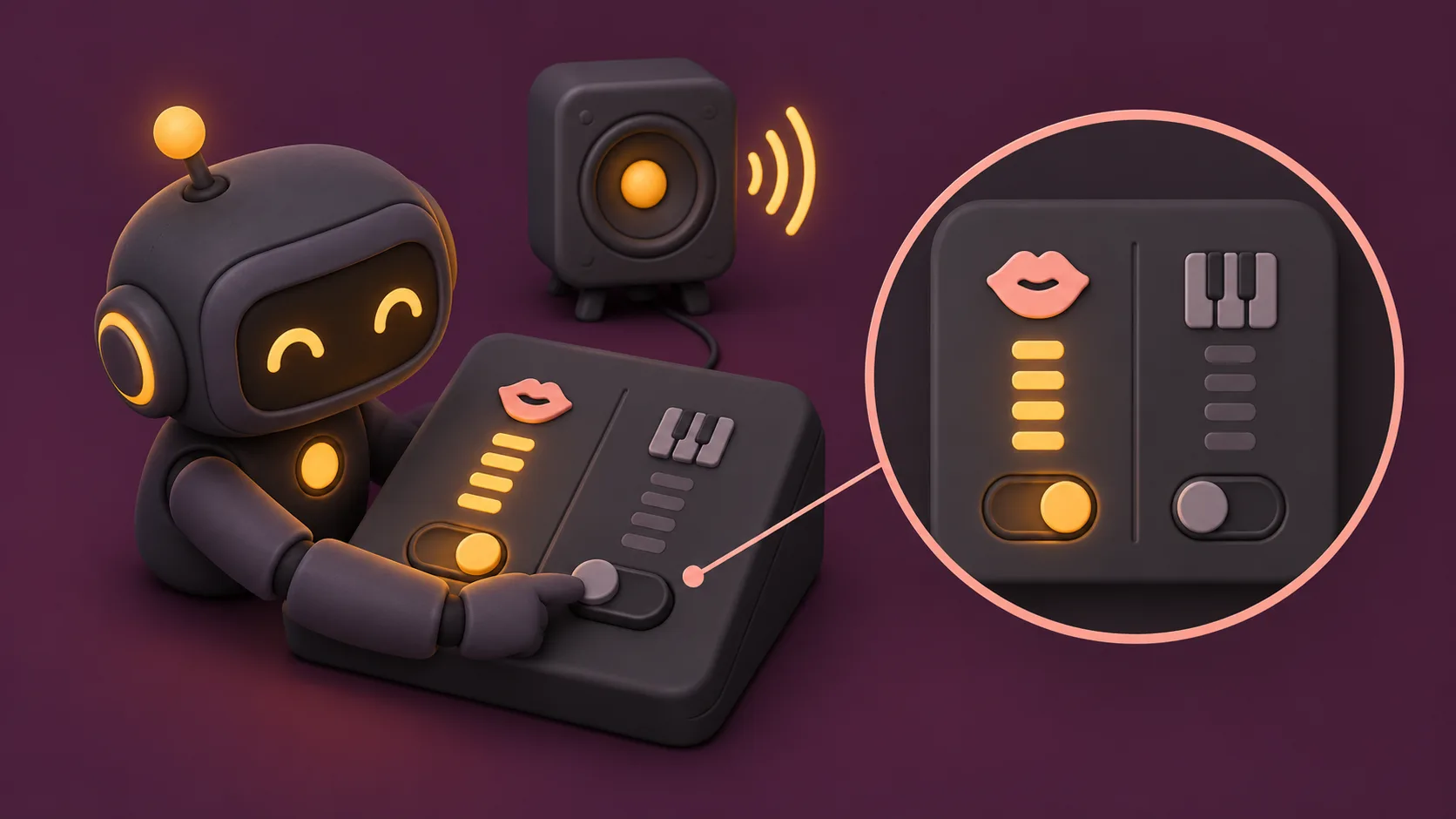
Users can control voice settings
Pairing artificial intelligence music with generated voices is Suno's specific spin on text-to-speech software. The music is optional. Users can turn off the background music using a toggle switch to get clean speech. The concept supports specific use cases. Examples include calming soundtracks for poems or energetic audio for dramatic voiceovers and encouraging speeches.
Users can access the feature by opening the Create tab and selecting Speech. Two distinct modes are available. Simple mode lets users describe the desired output in a prompt box. An example prompt is a pirate captain rallying his crew. Advanced mode allows users to upload a custom script. Advanced settings also let creators adjust the gender of the artificial intelligence voice, the speech style, and the variety of each generation. Speech supports a maximum duration of roughly eight minutes.
 Read nextGoogle Launches Guided Vision Feature in Gemini Live for Android Devices
Suno warns users about beta flaws
Suno acknowledges that the feature is not perfect. The company stated it will continue improving Speech based on user feedback. Brody noted that beta status means real limitations. British accents might drift toward Australia and back. Dramatic pauses might become excessively dramatic. Users will likely find applications the creators never anticipated.
Suno will continue developing the Speech feature based on user feedback during the public beta period.