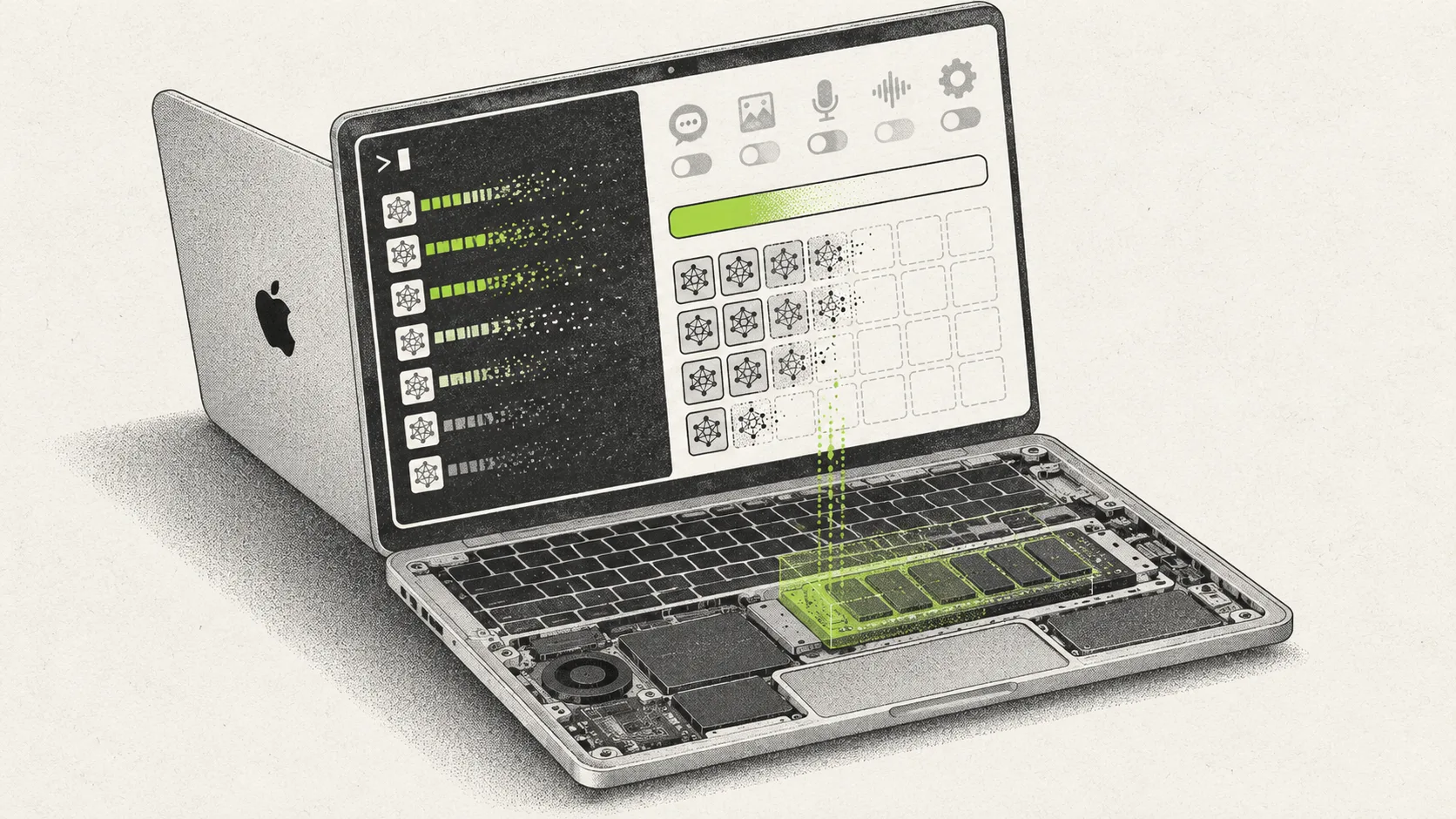

A new open-source command line tool named RemoveMacAI gives users a way to clear about 12GB of Apple Intelligence data from macOS. MacRumors first spotted the project after the developer shared details in a post on Reddit.
Apple previously provided a single Settings toggle to disable its artificial intelligence features entirely. That toggle was removed in macOS 27. Apple Intelligence files now remain on disk even when turned off, and the remaining controls are split across multiple settings panes.
Tool disables features and clears storage
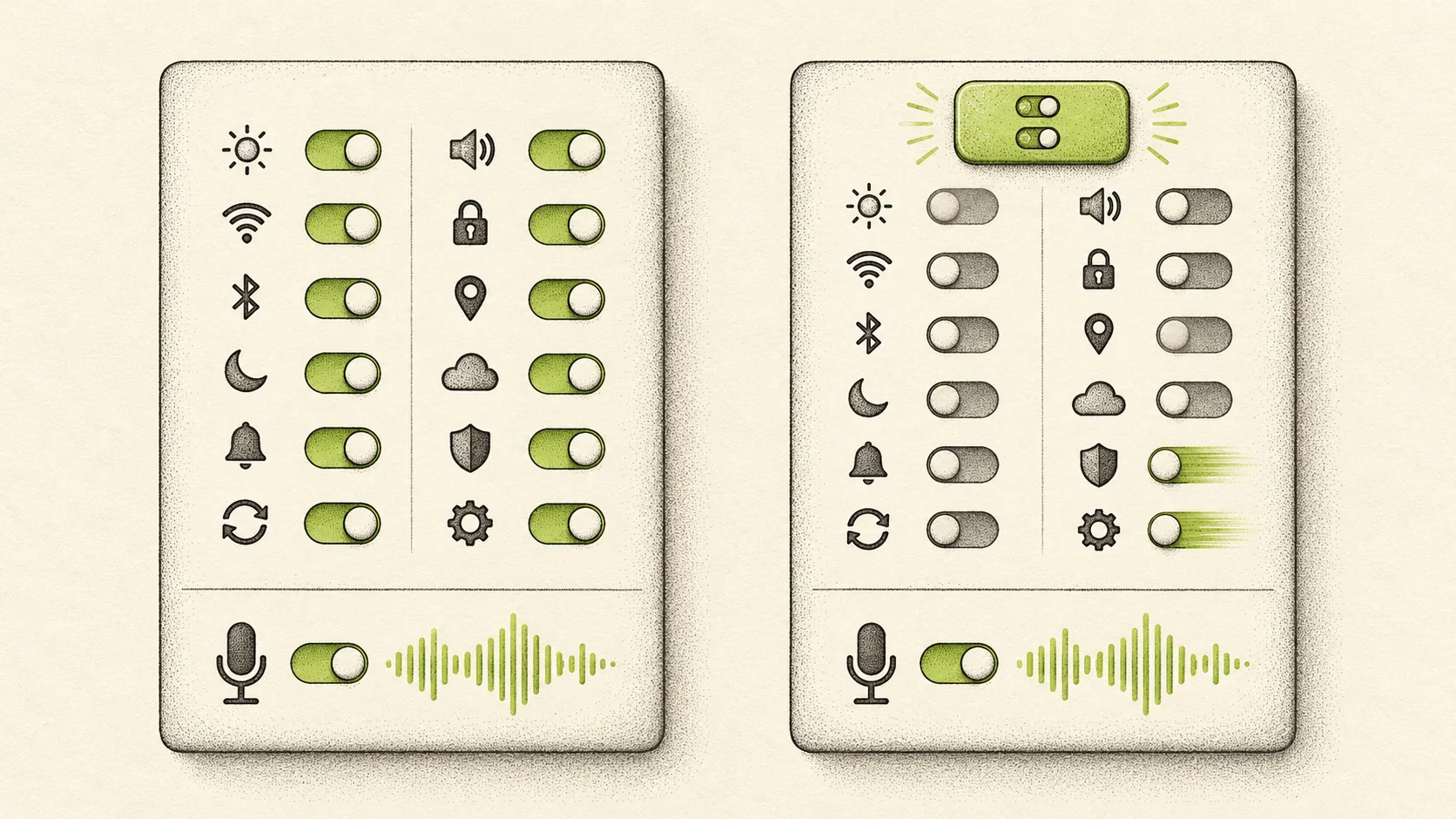
The RemoveMacAI utility automates the process of disabling Apple Intelligence across the operating system. The developer explained on Reddit that users normally have to navigate about a dozen settings, with several located under Screen Time.
The software turns off Siri, Writing Tools, Genmoji, Image Playground, the ChatGPT extension, and system summaries. It then deletes the underlying foundation models and stops macOS from downloading them again. Dictation continues to function normally after running the tool.
Files consume large amounts of disk space
The developer stated that the AI models consume roughly 12GB of space. Other users noted on Reddit that the footprint can be significantly larger depending on the system. On a MacBook Air checked during testing, Apple Intelligence consumed 35.05GB of storage when viewed through the settings storage menu.
RemoveMacAI includes a status command to check the exact size of individual AI models on a machine. The software also includes a revert command to restore the functionality and allow macOS to download the models again.
The developer claims the changes made by RemoveMacAI persist across macOS updates. The next steps for the open-source project depend on ongoing community feedback and testing on newer macOS builds.